What is a prepayment meter?

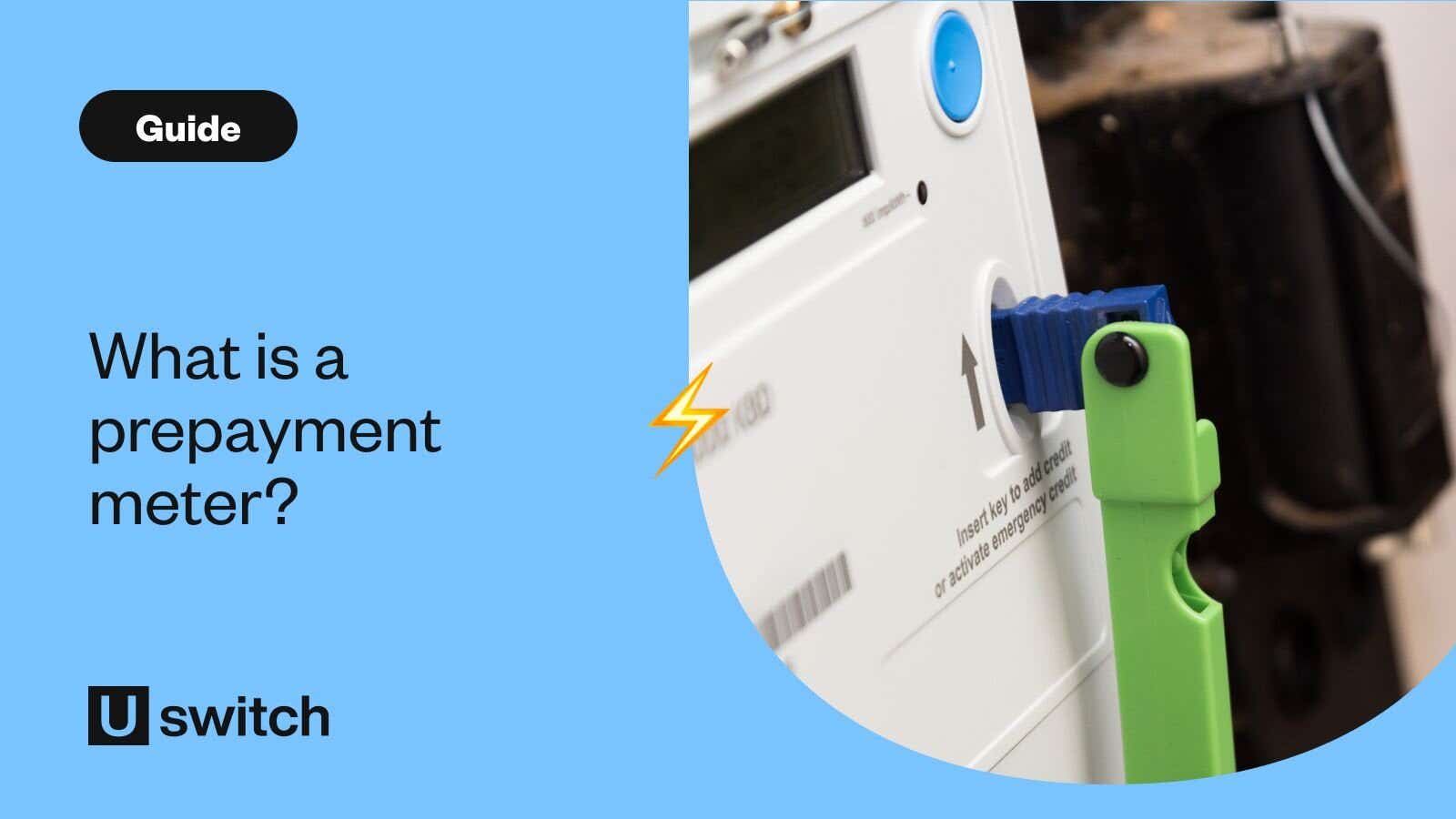
Prepayment meters are a type of domestic energy meter that requires users to pay for energy before using it. This 'pay-as-you-go' energy is used with a smart card, token or key that can be topped up at a shop or via a smartphone app.
How do prepayment meters work?
With a prepayment meter, you have to pay for your gas and electricity upfront. Prepayment meters use pay-as-you-go energy just like some mobile phones - you have to top up with credit to get your gas and electricity.
Some customers might have been forcibly moved onto a prepayment meter during the energy crisis.
If you were moved onto a prepayment meter between 1 January 2022 and 31 January 2023, you might be owed compensation if your supplier:
- installed a prepayment meter in your home
- switched you over to prepayment remotely
Your energy supplier should send you a letter telling you if you’ll get compensation.
What are the pros and cons of prepayment meters?
While prepayment meters were more expensive to have than credit meters, it was clear that they were the worst of the two options. However, with the "prepayment premium" being resolved, it's a less clear choice for customers.
Pros
As of April 2024, those on prepayment meters will pay slightly less for their energy than those on credit meters
They help customers manage their debt and energy usage
They prevent large, unexpected bills
Cons
The best energy deals on the market aren't available to prepayment meter customers
They can be inconvenient because you have to go out to top up electricity or gas keys and smartcards (if your supplier doesn't offer app top-ups)
If you can't reach a shop to get an electricity or gas top-up, your energy can be switched off temporarily
Older meters need to have their prices updated manually after price rises or drops, which can take months. This means you could be left paying old rates and owing a lump sum or paying too much
How do I top up electric prepayment meters?
Prepayment meter top-ups work in a variety of different ways. You could have a smart card, token or key you have to take to a shop. This is why you might hear a prepayment meter referred to as an electric key meter or gas key meter. You can top up electricity or gas meters at recognised PayPoint or Payzone shops, or at the Post Office.
Some older prepayment meters are coin-operated, meaning you put money straight into the meter itself (this is becoming rarer).
Many suppliers now offer prepayment top-up by text, app, phone or online. This can be more convenient as there's no need to leave the house to top up your electricity or gas, and it means you can add more pay-as-you-go energy at any time day or night.
How do I top up gas prepayment meters?
You can top up gas prepayment meters in the same way as electric prepayment meters. Some options are:
- In a shop/Post Office
- Over the phone
- Via an app
- Online.
Does energy cost more on a prepayment meter than on a credit meter?
This was previously the case, but it led to accusations of a "prepayment premium". As part of the February 2024 price cap announcement, the government is applying a discount on prepayment standing charges, which means that prepayment bills overall will be comparable to or slightly cheaper than Direct Debit bills.
Are prepayment meters price-capped?
Prepayment tariffs are subject to the price cap in the same way standard variable credit tariffs are.
The prepayment price cap level is £1,620 for the period from 1 July to 30 September but will rise to £1,678 for the period from 1 October to 31 December.
However, as with the credit price cap, this is only an indication for average use households - if you use more, you'll pay more, and if you use less, you'll pay less.
What are the prepayment price cap average unit rates and standing charges?
For the July to September 2026 price cap, the prepayment unit rates and standing charges will be:
| Electricity | Gas | |
|---|---|---|
| Unit rates | 25.32p per kWh | 7.07p per kWh |
| Standing charge | 57.19p per day | 29.04p per day |
Can I switch to a cheaper prepayment energy plan?
It depends. Nearly every supplier has at least one prepayment tariff available and, just like regular meters, some plans are cheaper than others. It's worth checking to see if you could switch prepayment meter plans to save.
Can I switch from a prepayment meter to a standard meter?
Yes, with some caveats. It is possible to switch your prepayment meter for a credit meter or smart meter, though it occasionally comes with a cost. Depending on who your supplier is, you could get your meter switched for free.
Before switching your meter, your supplier will likely require that certain conditions are met. These include that your account is debt-free and, in some cases, that the account holder passes a credit check.
If you are a renter, please note that you will need the landlord's permission to change the meter.
If your current supplier charges to change from a prepayment to a credit meter, you're not stuck - you can still switch to a cheaper prepayment plan from another supplier. Your new supplier may even be able to swap your meter out at no cost.
Why does my home have a prepayment meter?
Prepayment energy meters are usually installed in homes that have slipped into debt with their energy supplier at some point, to help them manage their debt and therefore budget more effectively.
Some landlords also have them installed in their rental properties to try and cut the risk of their tenants running into debt.
If you have to switch to a prepayment meter because you're in debt to your energy supplier, you will pay off your debt bit by bit at the same time as you pay for the gas and electricity you use.
This means that as well as paying the unit rate for the energy you use, you'll pay a little extra to go towards what you owe.
How to take a prepayment meter reading
To get a meter reading from your prepayment meter, you'll usually have to press a button on the meter (sometimes it's blue).
This will change the display from showing the remaining credit to showing the actual reading. From there on, it's just like taking a normal meter reading.
I've just moved to a house with a prepayment meter - what should I do?
If you've moved to a new home that has a prepayment meter, you must register with the energy company as the new account holder. If you don't, you could end up paying the wrong rates because the previous occupier could be in debt to the energy supplier.
Once you've registered as the new account holder, it's a good idea to compare energy prices to make sure you're on the cheapest prepayment meter tariff for you.
How can I owe money on a prepayment meter?
Although prepayment meters require credit to work, you can still find yourself in debt if you have one.
You can owe money on a prepayment meter if:
- You've used some or all of your emergency credit
- You've missed a standing charge payment (because the credit you had at the time wasn't enough to cover it)
- You're on a repayment plan.
What are the different types of prepayment meter?
There are three main types of prepayment meters: key meters, smart card meters and smart prepayment meters. The first two work in a very similar way, and smart prepayment meters work slightly differently.
Gas or electric key meters vs. smart card meters
A gas or electric key meter uses a special electronic key with your tariff information on it. A smart card meanwhile sends your latest information through to your supplier when topped up.
Regardless of what type of prepayment meter you have, you should make sure you know how to top it up. You may need to take your gas or electric meter key or card to a shop to put money on it. Make a list of the nearest shops and Post Office locations as well as their opening times. You should also look out for holiday periods and top your key or card up with a bit extra before bank holidays and other holiday periods when topping up could be difficult. Most prepayment meters have an emergency credit budget you can use, like an overdraft, but it is limited.
If you lose your prepayment meter key or smart card, don't worry. You can simply contact your supplier to get a new one sent out, but in the meantime your supplier should be able to authorise a temporary card from your nearest PayPoint, PayZone or Post Office. If this isn't possible, you might require an emergency callout which will involve a charge. When you move into a property with a prepayment meter you should contact your supplier and clarify exactly what happens if you can't find your card or token.
Smart prepayment meters
Smart prepayment meters, or smart pay-as-you-go meters as they are also known, are the latest generation of gas and electricity meters.
Smart prepayment meters have all the same functionality as standard smart meters, allowing you to view your usage information at any time using the in-home display. This can help you to manage your gas and electricity usage and find ways to cut down and save on your bills.
These modern prepayment meters are also more likely to have smart features to make electricity and gas top-ups easier. You can usually complete a smart meter top-up online or via an app to save you from having to leave the house. Once you top up electric or gas on your smart meter the credit will be added remotely, so you don't need to do anything with your meter.
What support is available for vulnerable customers using prepayment meters?
There is support available for prepayment customers who are classed as vulnerable. For instance, suppliers can provide temporary extra credit if needed, while councils can supply fuel vouchers. Citizens Advice lists all the help prepayment customers can get here.
